
Start from a recommendation
Choose the food settings and tap to begin the guided timer.
A single alarm at the end is often too late. Frygo reminds you when a food benefits from shaking, flipping, stirring or checking.
Notifications work in the background · Free · No ads
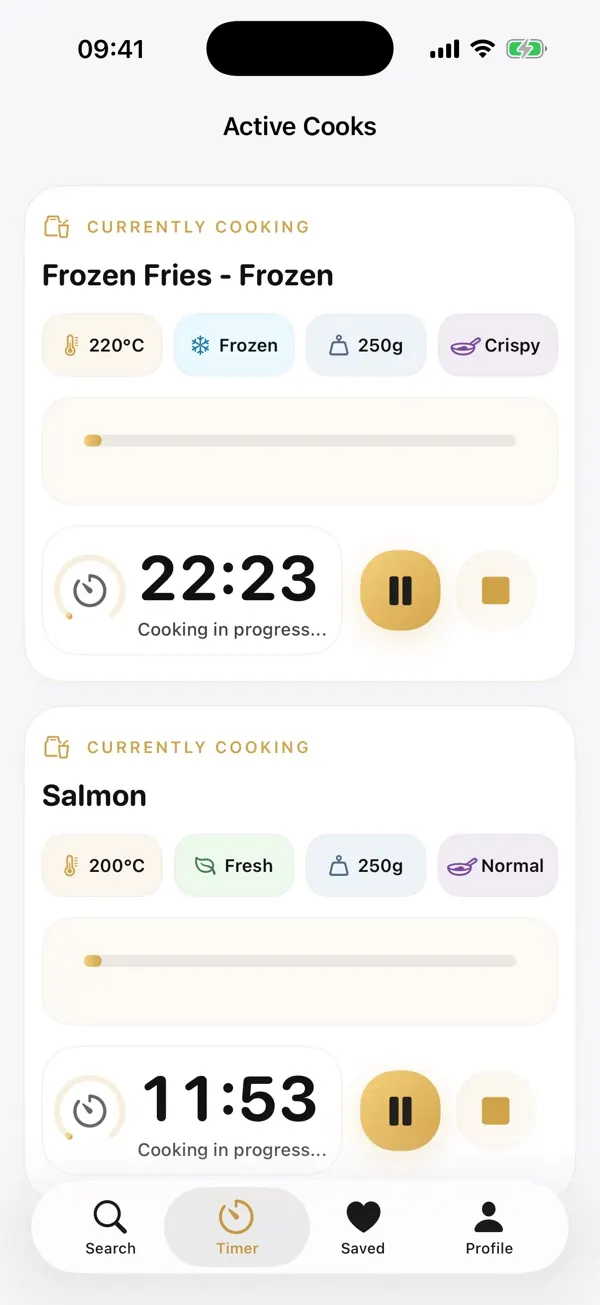
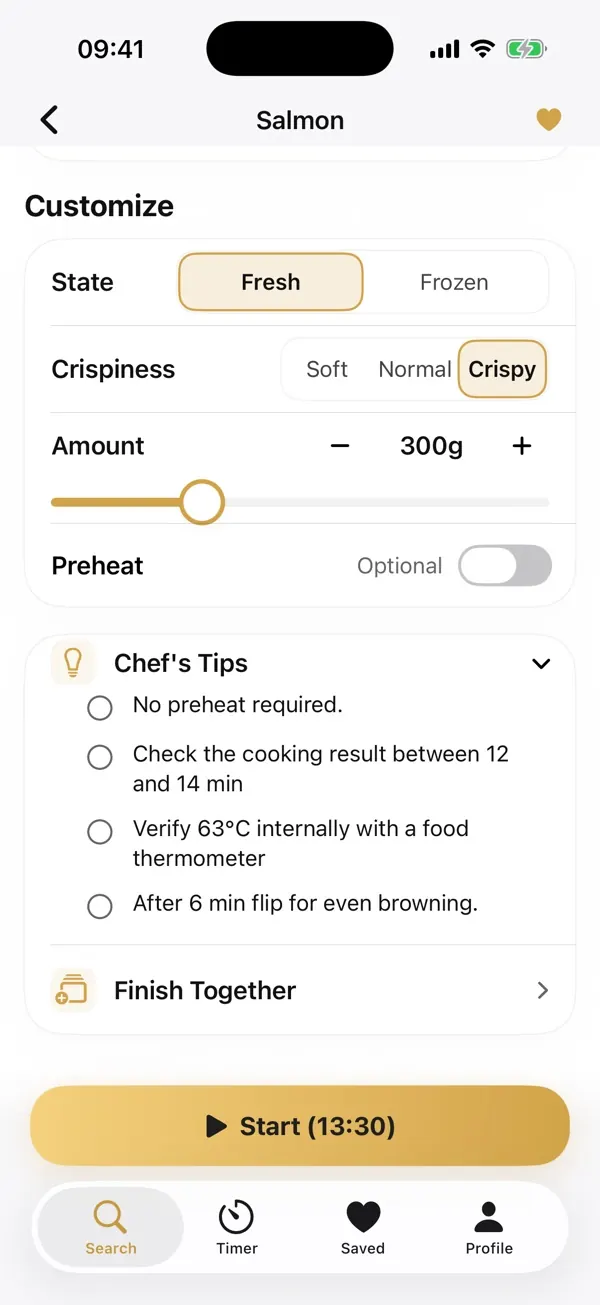
Food can brown unevenly if it is not moved, toppings may need to go in later, and meat still needs a doneness check. Remembering all of that should not be the hard part of dinner.
Choose the food settings and tap to begin the guided timer.
Shake fries, flip a fillet or stir vegetables when Frygo prompts you.
Confirm doneness safely, then tell Frygo whether the duration fit.
Shake, flip, stir, rotate the tray or separate pieces for more even airflow.
Check progress, color, crispness, cheese melt or internal temperature.
Spray oil, add a topping at the useful stage, or let the food rest.
Choose your food, start the timer and get the useful prompts without hovering over the basket.